
Blog
Digital Lockout

A feeling of despair and sadness....
Wanting to find a cherished photo of their mother or close down an online account to stop painful automated notifications, but instead met with a locked screen and password prompts.
Rather than finding comfort, they're completely locked out, forced to play digital detective and guess passwords during the hardest days of their lives.
This administrative chaos is the devastating reality of the "Digital Lockout".
While a traditional will is essential, it often only covers a small fraction of your actual legacy. Your digital assets—such as social media profiles, email accounts and cloud storage—require their own specific plan.
Privacy is rightly prioritised, but this means direct access to these online accounts is rarely simple; in fact, platforms often demand proof of death and even a court order just to grant your loved ones access.
Fortunately, securing your online legacy does not have to be a complicated, technical nightmare.
You need a Digital Caretaker - someone you trust to help..

Setting up your digital legacy (example platforms)
The world's largest tech platforms have built-in processes to seamlessly hand over the keys to the people you trust most.
Here is a clear, easy-to-grasp guide to setting up your digital legacy with Google, Facebook or Apple to ensure your family inherits a map, not a mystery.
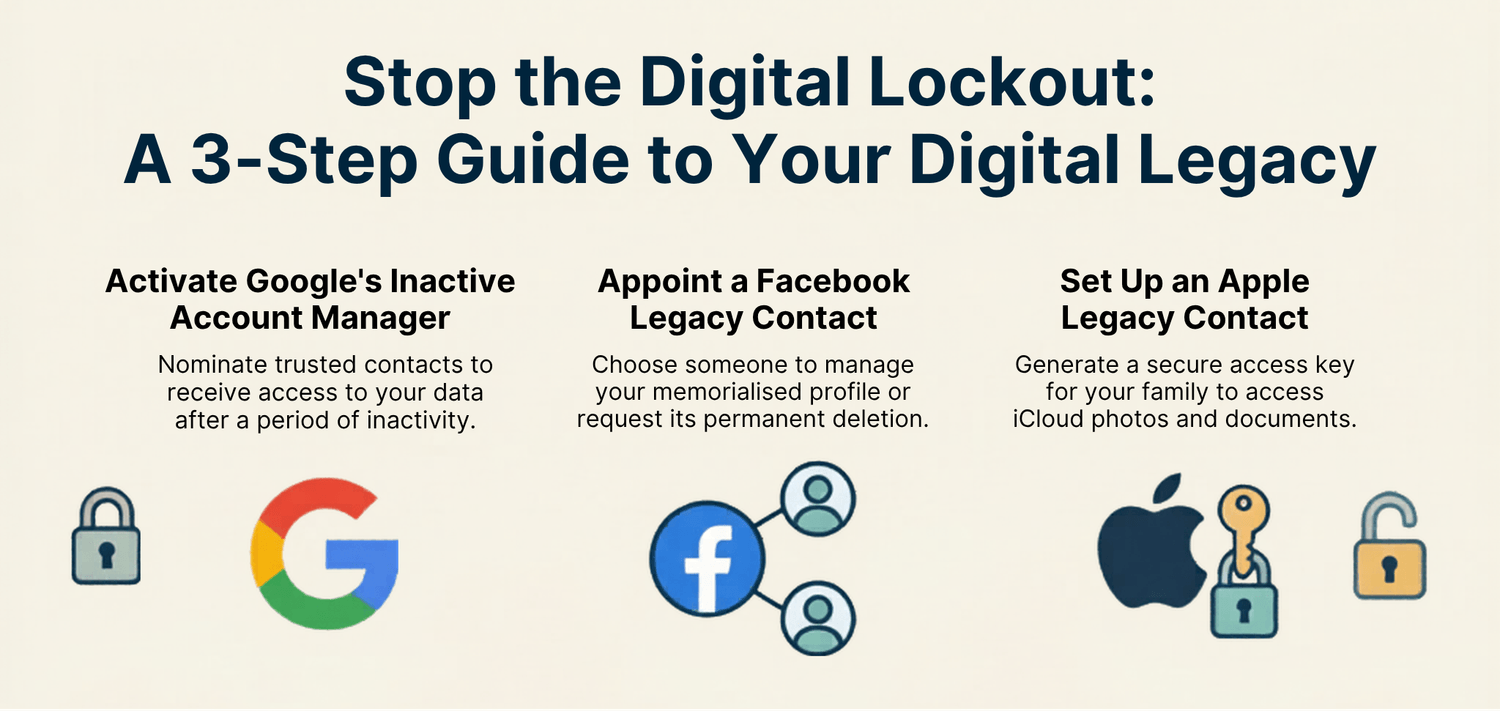
Set up Google's Inactive Account Manager
If you use Gmail or Google Drive, Google has a brilliant, built-in tool called the Inactive Account Manager. This allows you to choose specific, trusted contacts who will automatically receive access to certain parts of your account if you haven't logged in for a set period of time.
It's a simple "set and forget" way to ensure your vital documents and emails are safely passed on.
Google refers to these individuals as legacy contacts who are authorised to manage your account after your passing.
Nominate a Facebook Legacy Contact
Your social media presence is a huge part of how you will be remembered. Facebook allows you to select a specific "legacy contact"—a trusted person who is officially granted access to manage parts of your account when you're gone. Have a think about what outcome you truly want: you can leave instructions for your account to be permanently deleted, or memorialised.
Memorialising your account turns your profile into a beautiful, dedicated digital space where friends and family can gather to share memories and photos.
Configure your Apple Legacy Contact Options
Just like Google and Facebook, Apple now offers legacy contact options to help you protect your digital assets.
Because major platforms like Apple have their own strict terms of service that can restrict the transfer or access of accounts—even if you have detailed your wishes in a legal will—it's vital to explore and set up these memorialisation and contact settings directly within your device.
Setting this up helps streamline access for your family, ensuring your precious family photos and files are preserved.

Take some action
By taking a few minutes to configure these built-in tools, you eliminate a mountain of stress for your loved ones.
However, a plan is only useful if your loved ones know about it.
Make sure these digital decisions, along with any passwords and details for your chosen "digital executor", are securely recorded in a single source of truth.

Whether you use our 1-page Inevitable Checklist or a secure digital legacy vault, giving your family clear instructions ensures they are free to grieve, rather than playing detective.